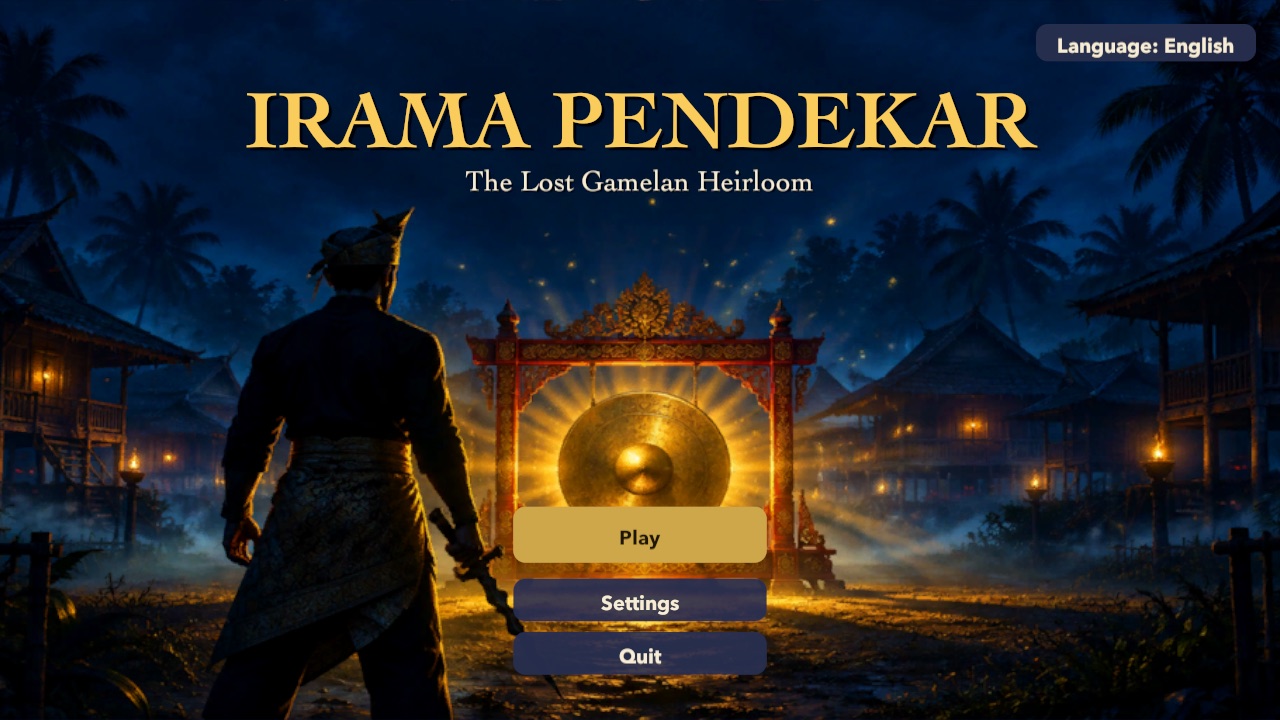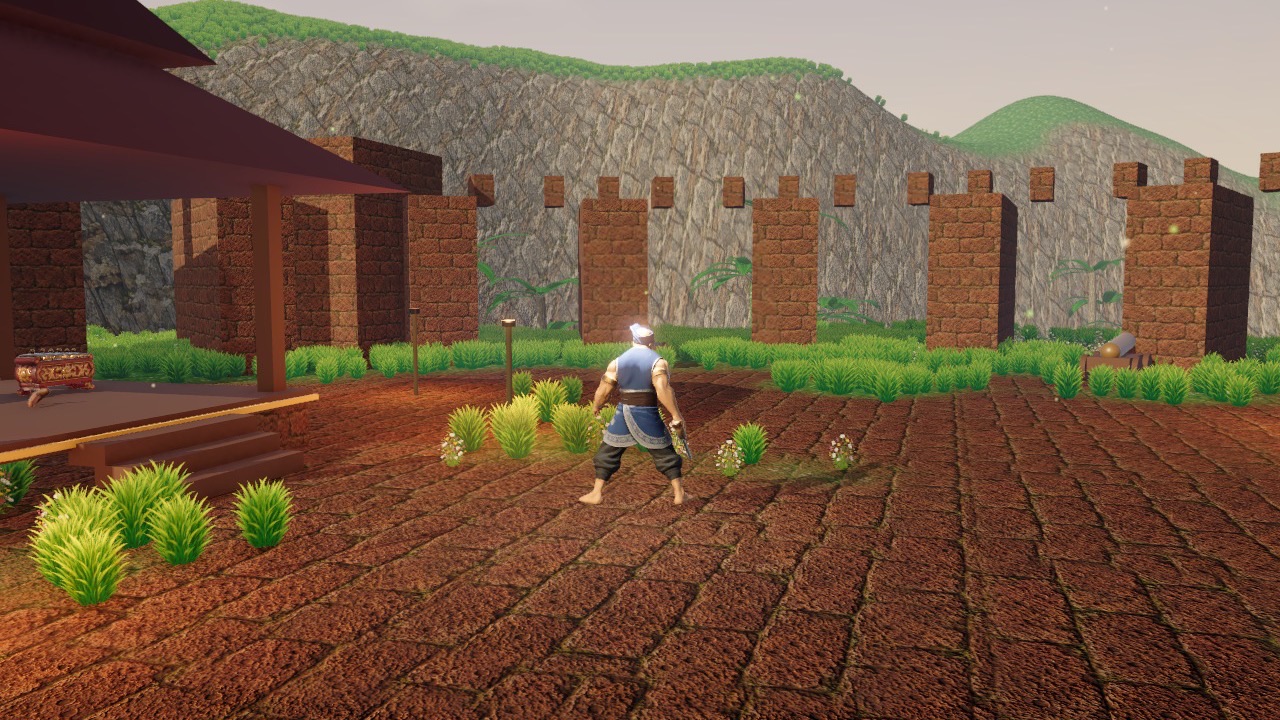
Irama Pendekar now builds as a finished desktop game: an app for Macs with Apple silicon, about 490 MB, and a 64-bit Windows version using DirectX 12 with a DirectX 11 fallback, about 510 MB. Textures are now compressed for release, which brought the Mac app down to about a third of its earlier size.
A settings screen for every player
Tetapan / Settings is on the title screen and on the pause card, and changes apply at once.
- Sound: master volume, music and ambience, and sound effects.
- Controls: mouse speed, inverted look and camera shake.
- Display: brightness, field of view, windowed or full screen, resolution, graphics quality and a frame-rate limit.
- Gameplay: difficulty and language.
Difficulty scales the damage monsters deal: Easy is 60% of Normal and Hard is 140%. Brightness lifts the mid-tones, so the darker chapters open up without washing out the sky.